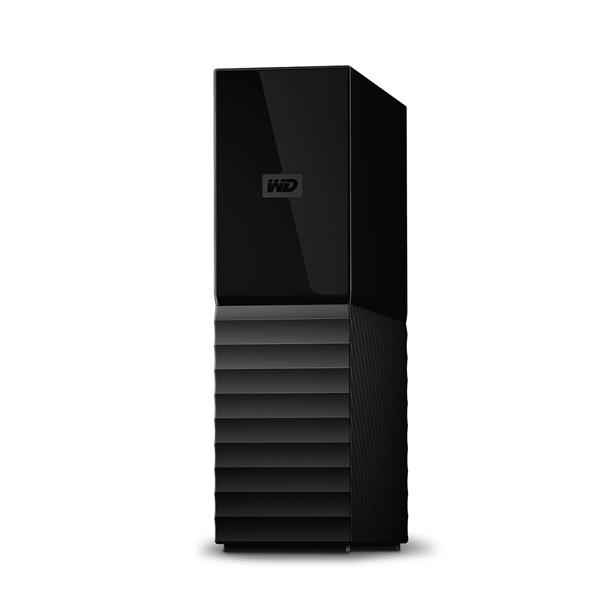
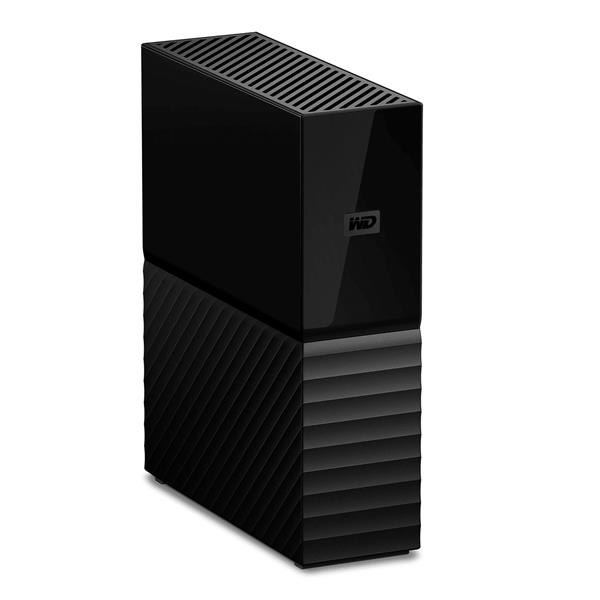
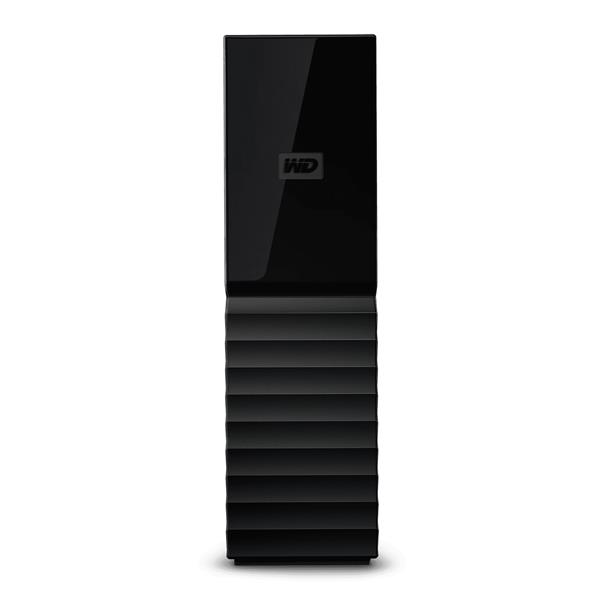
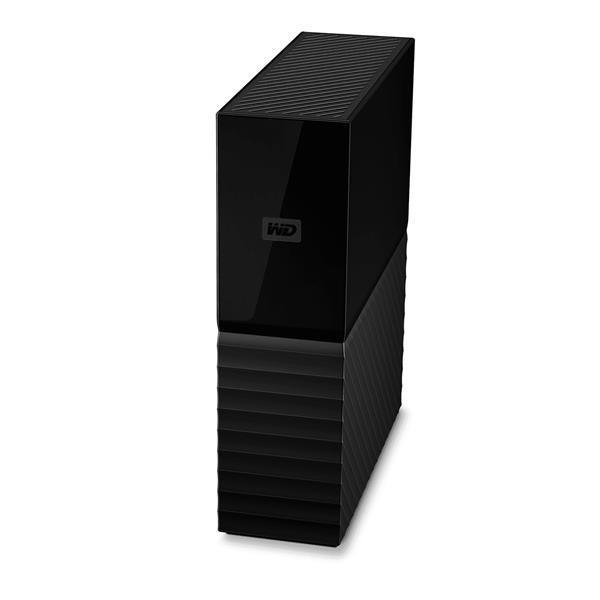
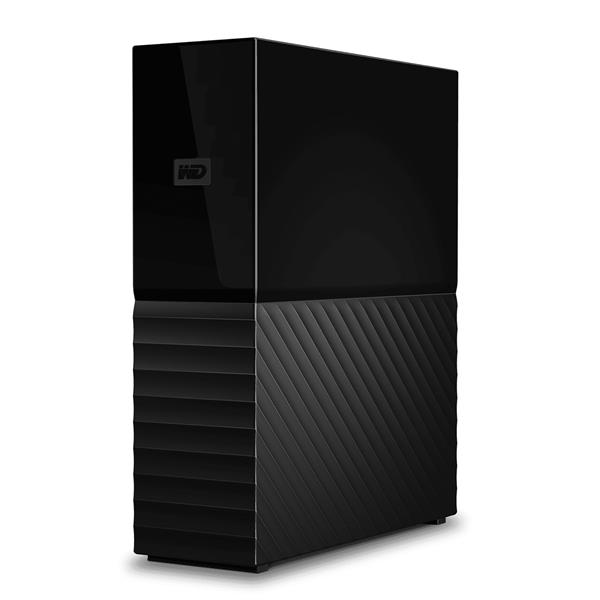
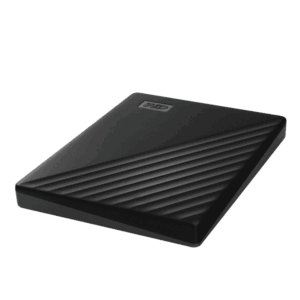
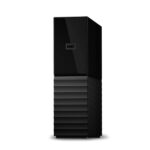
Western Digital My Book disco rigido esterno 12 TB Micro-USB B 3.2 Gen 1 (3.1 Gen 1) NeroComplete Backup
Equipped with WD Backup software for Windows and Apple Time Machine compatibility for Mac, the My Book desktop hard drive can back up your photos, videos, music, and documents. The My Book desktop hard drive also works great with Acronis® True Image™ WD Edition software to schedule full system backups.
Password Protection
The My Book drive’s built-in 256-bit AES hardware encryption with WD Security™ tools helps keep your content private and safe. Just activate password protection and set your own personalized password.
WD Reliability
Millions of people around the world trust their data to My Book desktop storage. Designed to meet WD’s demanding requirements for durability, shock tolerance, and long-term reliability, we back up (pun intended!) the trusted My Book desktop storage with a 3-year limited warranty.
Watch the Power of My Book Come to Life
We live hectic lives and generate tons of digital content. My Book desktop storage has massive storage capacity so you can confidently back up the files that make up your digital life.
Do More With Discovery
Included WD Discovery™ software connects to popular social media and cloud storage services, like Facebook, Dropbox, and Google Drive™. Import your photos, videos, and docs to the My Book drive to help preserve your online life. WD Discovery can also be used to manage your drive with WD Drive Utilities.
Easy To Use
My Book desktop storage is ready to use out of the box so you can start transferring files, saving your memories and backing up right away. It comes with all the software you need to help protect your data, including WD Backup and WD Security software and is compatible with Time Machine.
Domande Frequenti su HDD Esterno Western Digital My Book 12TB USB 3.0
?
L'HDD Esterno Western Digital My Book 12TB è compatibile con Mac? ▼
Sì, l'HDD Esterno Western Digital My Book 12TB è compatibile con Mac. Supporta nativamente Apple Time Machine per backup automatici. Con la sua interfaccia USB 3.0, offre una velocità di trasmissione di 5.000 Mbit/s per trasferire rapidamente i tuoi file su macOS.
?
Come si collega l'HDD Esterno Western Digital My Book 12TB USB 3.0 al computer? ▼
Collegare l'HDD Esterno Western Digital My Book 12TB è semplice: basta connetterlo alla corrente tramite l'alimentatore incluso (autoalimentato) e al computer con il cavo USB 3.0. Il software WD Discovery incluso guida l'installazione. È pronto all'uso in pochi minuti, senza configurazioni complesse.
?
Quali sono le dimensioni e il peso dell'HDD Esterno Western Digital My Book 12TB? ▼
L'HDD Esterno Western Digital My Book 12TB misura 49mm di larghezza, 139.3mm di profondità e 170.6mm di altezza, con un peso di soli 0.97 grammi. Il suo formato da 3.5 pollici lo rende compatto e facile da posizionare su una scrivania, nonostante l'enorme capacità di 12.000 GB.
?
L'HDD Esterno Western Digital My Book 12TB supporta la crittografia hardware? ▼
Sì, l'HDD Esterno Western Digital My Book 12TB integra la crittografia hardware AES a 256 bit. A differenza dei dischi con sola protezione software, questa cripta i dati a livello fisico. Attivabile tramite il software WD Security incluso, protegge i tuoi file anche in caso di furto fisico del disco.
?
Quale software è incluso con l'HDD Esterno Western Digital My Book 12TB? ▼
L'HDD Esterno Western Digital My Book 12TB include quattro software: WD Discovery per importare file da cloud come Facebook e Google Drive, WD Backup per backup automatici su Windows, WD Security per la crittografia hardware AES a 256 bit, e WD Drive Utilities per la gestione del disco. Tutti preinstallati e pronti all'uso.
?
L'HDD Esterno Western Digital My Book 12TB è adatto per backup di foto e video 4K? ▼
Sì, l'HDD Esterno Western Digital My Book 12TB è ideale per backup di foto RAW e video 4K. Con 12.000 GB di capacità, può archiviare migliaia di progetti. La velocità di rotazione di 5.400 rpm e il buffer da 64 Mb garantiscono trasferimenti stabili per file di grandi dimensioni tramite USB 3.0.
FAQ a cura del team EB Store, basate sulle domande più frequenti dei clienti e sulle specifiche ufficiali del produttore. Hai altre domande? Scrivici.